Shares integration
sharesShow every NC share scoped to files linked to an Open Register object. Read-only listing; unshare delegates to NC's Share Manager. No required app — ships with NC core.
Show every NC share that touches an Open Register object's linked files. Useful for governance and access reviews: one tab, one place, who can see what on this object's attachments.
Screenshot
The integration registers in OpenRegister's in-page registry and renders as one of the tabs on the standalone integrations view. The tab is highlighted active here so you can see exactly which surface this leaf controls.
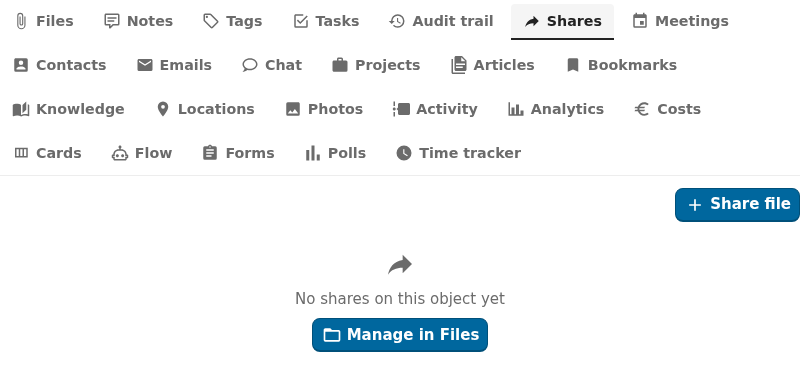
Captured by tests/e2e/leaf-screenshots.spec.ts against the seeded integration-verification register on the dev container. Empty state (Nothing linked yet) is expected on a freshly seeded object — link an upstream entity from the tab's + Add affordance to populate it.
What it does
- Lists every NC share scoped to files linked to the object on the Shares sidebar tab.
- Shows share type (user, group, link, email, federated), target, permissions, and expiry.
- Lets users unshare straight from the tab (delegates to
IManager::deleteShare()). - Surfaces "your most-shared objects" on the user dashboard.
- Does not create new shares — that flow lives in NC Files for now. Linking files to objects auto-surfaces their shares.
Setup
Install: nothing to do
Shares is NC core. The integration ships with Open Register and registers automatically. No required app, no Nextcloud app to install, no source to configure.
Use it on an object
Open any object whose schema declares linkedTypes: ['shares'] (or, more commonly, linkedTypes: ['files', 'shares'] — shares ride on top of linked files). The Shares tab appears in the sidebar.
- View the list. Each row shows share type, target, permissions, expiry.
- Click Unshare on a row. The share is removed via NC's Share Manager. The file itself stays where it is.
Configuration
| Field | Open Register side | NC Share Manager side |
|---|---|---|
| Storage | query-time (no link table) | oc_share (NC core) |
| Mapping | per-render filter: shares whose file_source is in this object's linked-files set | OCP\Share\IManager |
| Refresh | Live on every list call | — |
| Auth | None (uses session) | NC Share Manager ACL |
| Permissions | Inherits from object RBAC | Share owner or file owner |
Query-time mechanics
The leaf has no link table. On every list() it:
- Reads the object's linked files (via the
filesmagic-column). - Calls
IManagerfor each file's share list. - Filters to shares the current user can see.
- Returns a flat list with
{ shareId, fileSource, fileName, shareType, target, permissions, expirationDate }.
Because there's no local store, create() / update() are not supported (per AD-22) — they throw NotImplementedException. Only list() and delete() are implemented.
Using it
Shares sidebar tab
The tab lists every share scoped to this object's linked files. Each row shows:
- Share type (icon: user / group / link / email / federated)
- Target (name + email for user / group, hostname for federated, "Public link" for link)
- Permissions (read / write / share / delete pills)
- Expiry date (if set)
- Unshare button
Detail-page widget
Surfaces the share count plus the most-recent 5 shares. The "Manage" CTA links to NC Files where new shares can be created.
Dashboard widgets
user-dashboard— your top "most-shared" objects.app-dashboard— share counts scoped to the consuming app's register/schema.
Reference property
Not applicable — shares are not first-class identifiers. The referenceType: 'shares' slot exists for symmetry but resolves to a count chip ("3 shares") rather than a single share.
Troubleshooting
- No shares appear, but the file is shared. Either the share's
file_sourceis not the same as the object's linked-files reference, or the current user has no access to the share (only the share owner and the file owner see all shares). - Unshare button is greyed out. Permission check failed: only the share owner can unshare. Ask the share owner to remove it, or use NC Files admin tools.
- Tab shows the empty state but there are linked files. None of the linked files have shares yet. Open NC Files, share one, refresh the tab.
Why no "create share"
Creating shares is a multi-step UX with permission pickers, group search, expiry pickers, password fields, and notification flow. NC Files handles all that natively. The Open Register Shares leaf is a surveillance surface, not a share-management surface. Open the linked file in NC Files to manage its shares.
Related
- Files leaf — files attached to the object. Shares ride on top of these.
- Leaf integration system — how every leaf wires the same way.
- Pluggable integration registry — the full ADR-019 contract.